> ## Documentation Index
> Fetch the complete documentation index at: https://docs.sprig.com/llms.txt
> Use this file to discover all available pages before exploring further.
# Heatmaps
> Heatmaps allow you to visualize interactions and identify painpoints with a specific webpage
# What are Sprig Heatmaps?
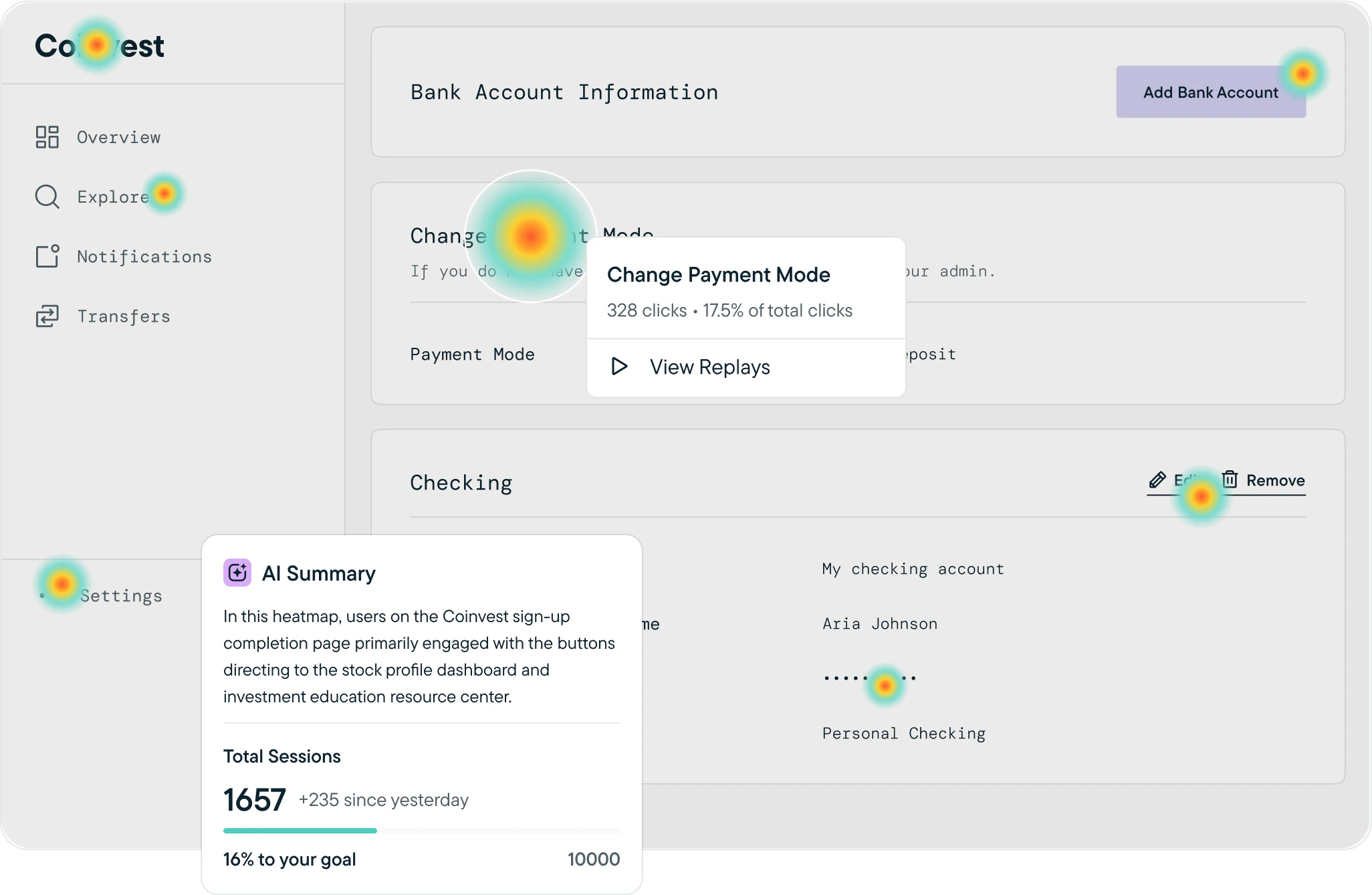
Sprig Heatmaps enable you to see an aggregated visual representation of user behavior within your product such as on landing pages and in-product dashboards. When coupled with [Replays](/docs/sprig-studies/replays/index), you can really see the whole picture and can playback clips of users that interacted with particular elements on a page.
Once the Heatmap collects data from at least one capture, it will fill in with visualization, and you'll be able to toggle between three visualizations:
* Heatmaps aggregate clicks into color-coded engagement zones.
* Clickmaps show individual clicks.
* Scrollmaps show max scroll depth for a user session
Launching Heatmaps will first require installing Sprig SDK into your website.
## Installation
We have a variety of install methods for [Web](/docs/Installation/introduction-web/index) products, so you can easily track behavior and send surveys to users as they experience your website or web app.
# How can I get started?
Review how to create Heatmaps, review results, and more [here](/docs/sprig-studies/heatmaps/heatmap-creation).
Watch a demo video [here](/docs/sprig-studies/heatmaps/index#demo-video)!
 ## Demo Video