> ## Documentation Index
> Fetch the complete documentation index at: https://docs.sprig.com/llms.txt
> Use this file to discover all available pages before exploring further.
# In-Product Surveys
> Survey specific groups of users in-product to capture their real-time feedback.
## What are Sprig In-Product Surveys?
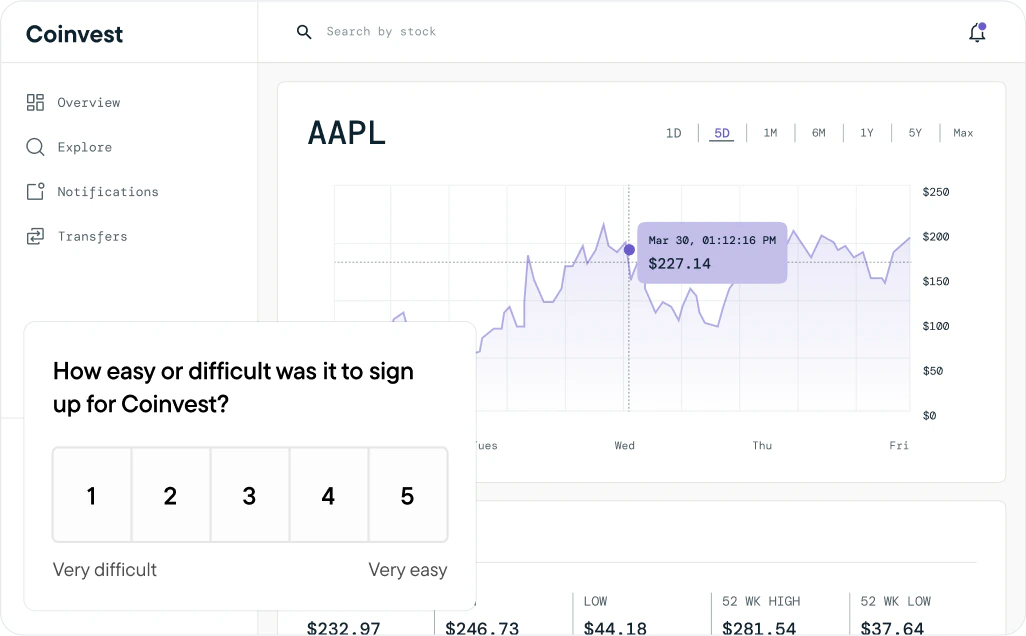
Sprig In-Product Surveys enable you to target specific users in your product and capture their product experience insights at scale.
Surveys help teams:
* Capture bite-sized user insights to answer the “why” behind product analytics.
* Learn exactly how users feel about new features.
* Measure core flows and ensure they’re meeting customer needs.
* Quickly discover pain points and prioritize what to work on next.
[**Watch a demo video.**](/docs/sprig-studies/in-product-surveys/index#video-tutorial)
### Installation
We have a variety of install methods for [Web](/docs/Installation/introduction-web/index) and [Mobile](/docs/Installation/introduction-mobile/index) products, so you can easily track behavior and send surveys to users as they experience your website, web app, or mobile app.
In-product surveys will require SDK Installation into your product.
# How can I get started?
1. [Creating a Sprig In-Product Survey](/docs/sprig-studies/in-product-surveys/survey-creation/index)
1. [Question Types](/docs/shared-study-foundations/main-tasks/questions) and [Survey Logic](/docs/shared-study-foundations/main-tasks/survey-logic)
2. Targeting: [Study Triggers & User Filters](/docs/shared-study-foundations/main-tasks/study-triggers-user-filters-and-groups-copy), and [Groups](/docs/shared-study-foundations/main-tasks/groups)
3. [Multi-Language](/docs/shared-study-foundations/main-tasks/multi-language-support) and [Conversational Surveys](/docs/shared-study-foundations/main-tasks/conversational-surveys)
4. [Response Options](/docs/sprig-studies/in-product-surveys/survey-creation/custom-audience-sampling), [Recontact Periods](/docs/sprig-studies/in-product-surveys/survey-creation/resurvey-waiting-period), and [Survey Look and Feel](/docs/sprig-studies/in-product-surveys/microsurvey-look-and-feel)
2. [Testing In-Product Surveys](/docs/sprig-studies/in-product-surveys/study-testing)
3. [Reviewing Responses and Insights](/docs/shared-study-foundations/responses-and-insights)
1. [Interpreting Studies](/docs/shared-study-foundations/interpreting-studies)
2. [Sprig AI analysis](/docs/native-ai/ai-analysis)
3. [Survey diagnostics](/docs/sprig-studies/in-product-surveys/survey-diagnostics-funnel)
 # Video Tutorial