

- Click Settings > Team, then click + Add Member.
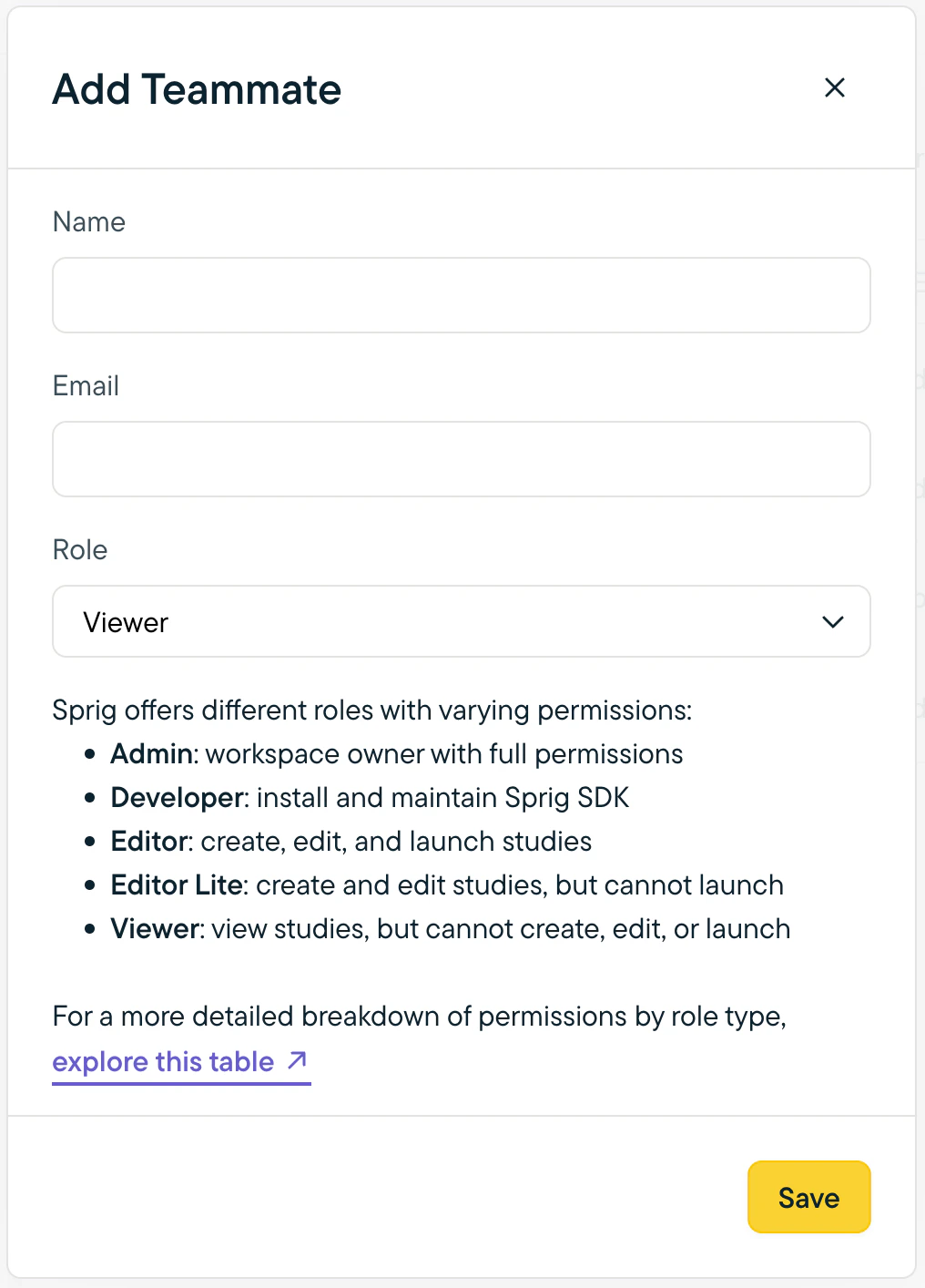
- In the modal that opens, enter the team member’s name, email address, and the role you want them to have. Click Save.
Note: Users with the Admin role can add team members at any role level. Users with other roles can add team members at their role level or below.