

- Web Changelog
- Android Changelog
- iOS Changelog
- React Native Changelog
- Flutter Changelog
- Segment iOS Changelog
- Segment Android Changelog
- Segment React Native Changelog
Understanding SDK changelog urgency and impact
Sprig SDK release notes use three related signals so you can decide whether and how soon to upgrade:
They often move together, but they are not the same. Recommended if you use describes who is affected. Impact describes the blast radius. Urgency describes when to act.
New features appear frequently. A new feature alone does not usually mean you must upgrade.
Here is where each signal appears on an SDK changelog:
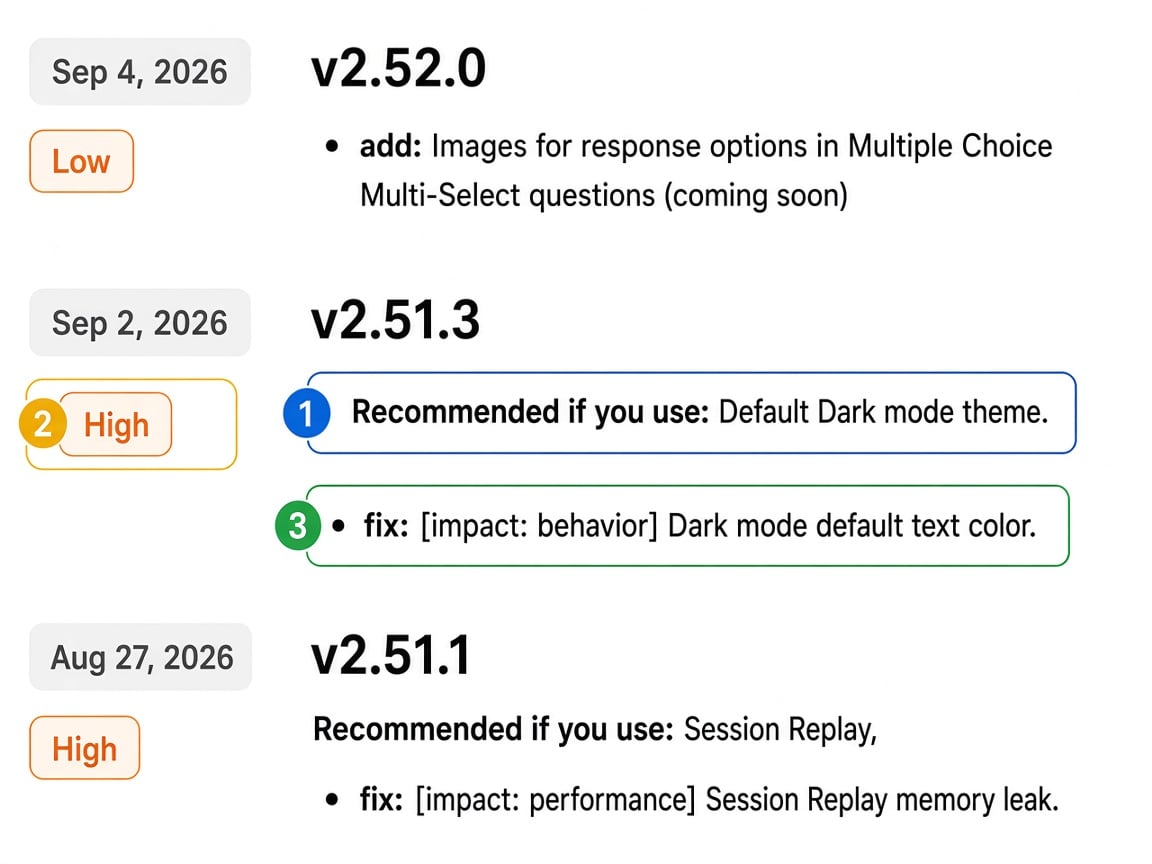
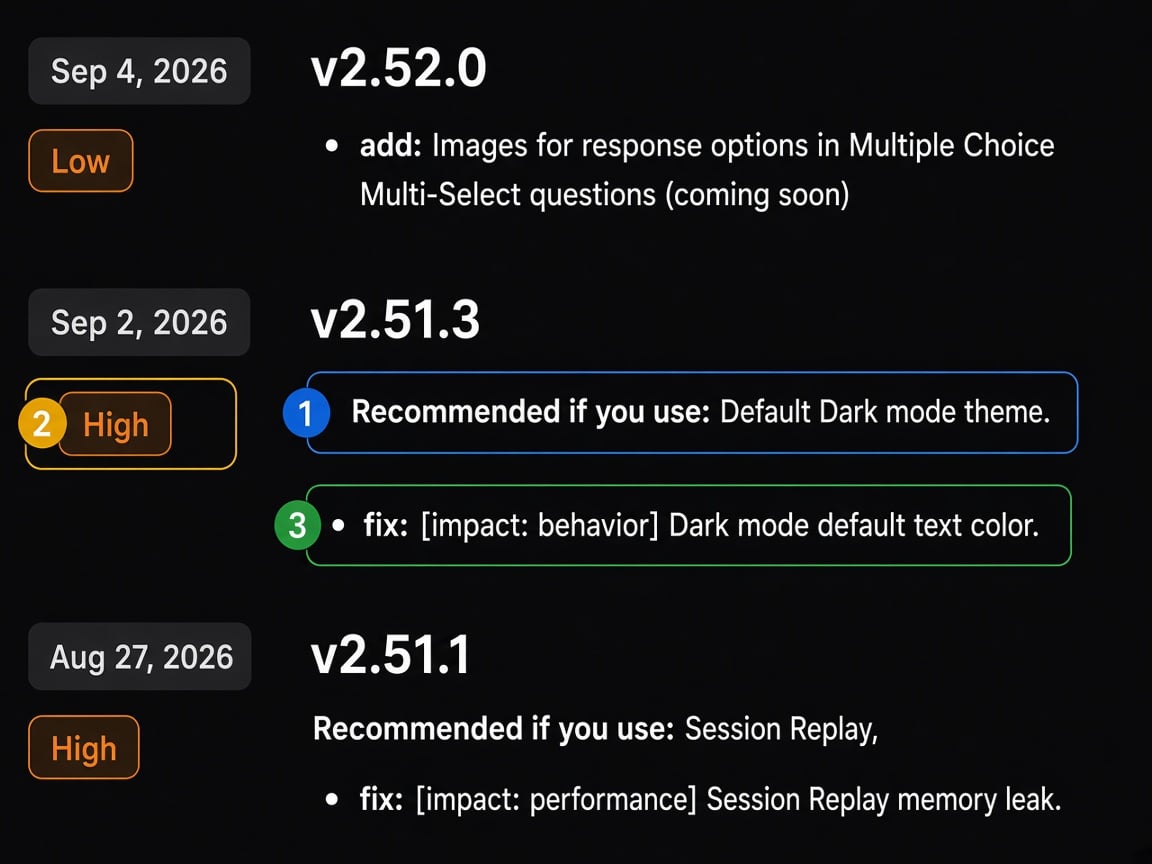
- Recommended if you use — who the release applies to, shown under the version number.
- Upgrade urgency — Critical, High, or Low, shown once per release.
- Impact tag — security, behavior, or performance, shown on the change it affects.
Recommended if you use
Releases carry one Recommended if you use line under the version number, naming the features, question types, or integration surfaces that release touches. It is a filter, not a rating: if nothing in that line is part of your setup, the release almost certainly does not need your attention.
Pair it with urgency: the line tells you whether a release applies, and urgency tells you when to act on it.
This line is published on releases from August 2026 onward. Older releases do not carry it, so for those, fall back to the change bullets and impact tags.
Upgrade urgency
Every release has one urgency rating. If a release includes several changes, the rating reflects the most serious change in that release.Examples
Impact tags
Impact tags highlight changes that affect behavior, data quality, security, host integration, or noticeable performance. Most changelog bullets have no impact tag. That usually means polish or presentation.
Some releases also include a one-line Impact summary, for example:
Impact: Surveys with Skip Logic could advance incorrectly. This release corrects evaluation for consent/legal and Multiple Choice logic.
That sentence is written for Critical, High, and Low releases.
Impact vs urgency
The same change can matter differently depending on how you use the SDK:
- A body-background fix may be High for web page embeds, but less urgent inside a native WebView.
- A self-host packaging change may be High for customers who mirror SDK assets, and Low if you load from the Sprig CDN.
New features
Sprig releases new functionality frequently, upgrade when you want to take advantage of improvements:- Plain
add:entries (new question types, capabilities marked coming soon, features you must enable) are usually Low. - Upgrade for a feature when you want that capability, the timeline is up to you.
- If a release mixes a new feature with a meaningful fix, follow the urgency and impact of the fix.
How to use this when upgrading
- Scan Recommended if you use on releases newer than your current version, and skip the ones that name nothing you use.
- Read Upgrade urgency on the releases that remain.
- Skim Impact tags (security, behavior, performance) and the Impact summary on Critical and High releases.
- Plan Critical/High upgrades into your next release window.