

Getting Started with Team Discovery
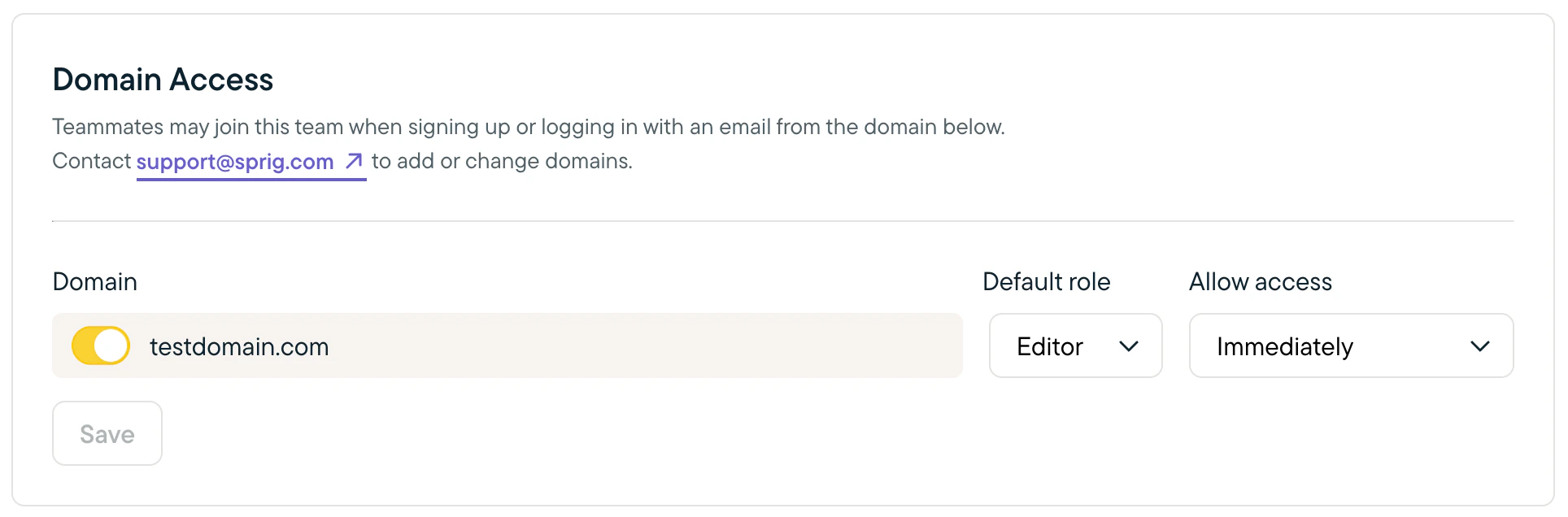
Please contact support@sprig.com to add your domain as a discoverable domain for your team. Once that’s done, navigate to Settings > Domains in your team Admin account and confirm the domain was added. There, you can:- Set the default role new users will have.
- We recommend Editor to empower your colleagues to create and launch studies, as well as create new dashboards, but feel free to choose any role depending on your team’s needs. You can see and adjust role permissions for each user in Settings > Team > Members.
- Determine whether users with matching email domains can automatically join your team or whether they must issue a request for you to approve or reject.
Note: Team discovery only supports one domain.