

Overview
Sprig Mobile Replays enable you to target specific users in your product and capture clips of their real-time, in-app product experience. Replays can be either launched as standalone recordings of user behavior or alongside an In-Product survey. Native Android, Native iOS (UIKit & SwiftUI), React Native, and Segment (React Native, iOS, Android) are supported.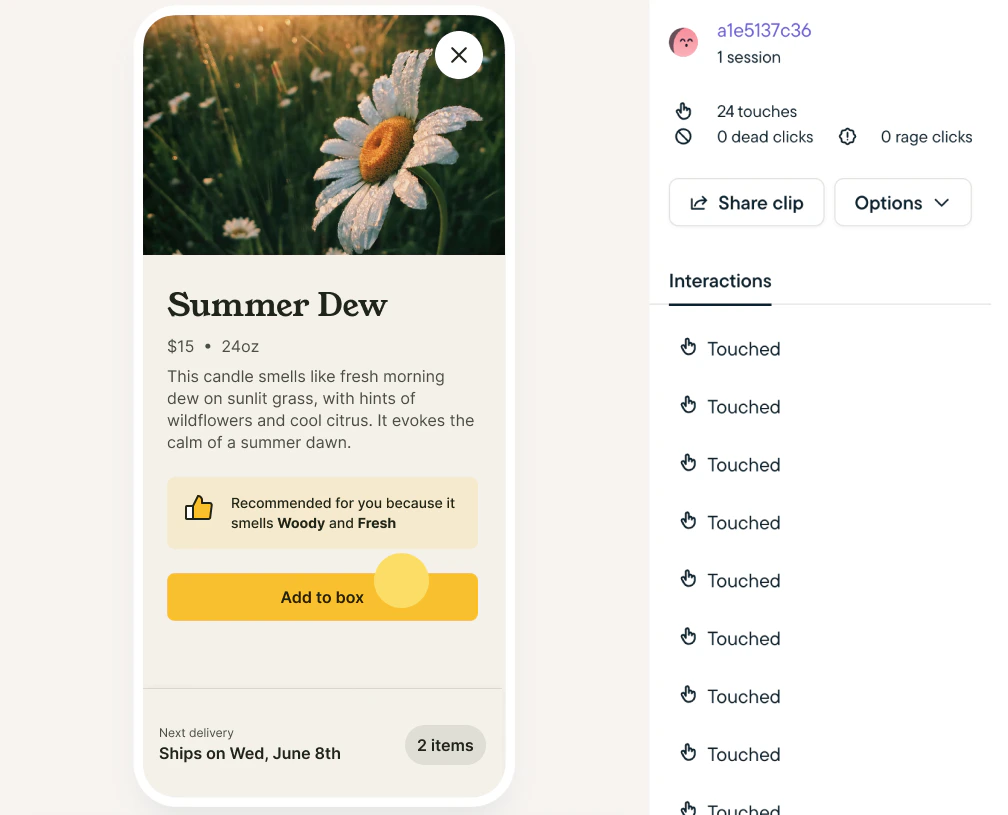
How it Works
Our mobile session replay offering is built with performance and security in mind. To protect sensitive user data, it starts with a secure-by-default configuration that includes automatic data obfuscation and masking. Fore more details visit Mobile Replay Privacy & Performance.Getting Started
- Install or update to the latest SDK for Android, iOS, React Native or Segment (iOS, Android, React Native).
- You can check your current SDK version at Settings > SDK & Traffic.
- Create a Replay Study.
- Select Mobile as your delivery platform.
- Mobile replays currently only support clip capture for up to 3 minutes after the event trigger.
- Review Replay clips instantly on your dashboard.