

How it Works
The Design Agent runs in four visible stages, and you can intervene at any point:- Understands your prompt: audience, behavior, survey goal.
- Assigns the right format: survey, in-product survey
- Generates the full set of questions, mixing types for signal.
- Edit it directly within the Study Builder
- It is ready to review, and launch.
Using the prompt based builder
- Navigate to + New Study
- Select Create with AI
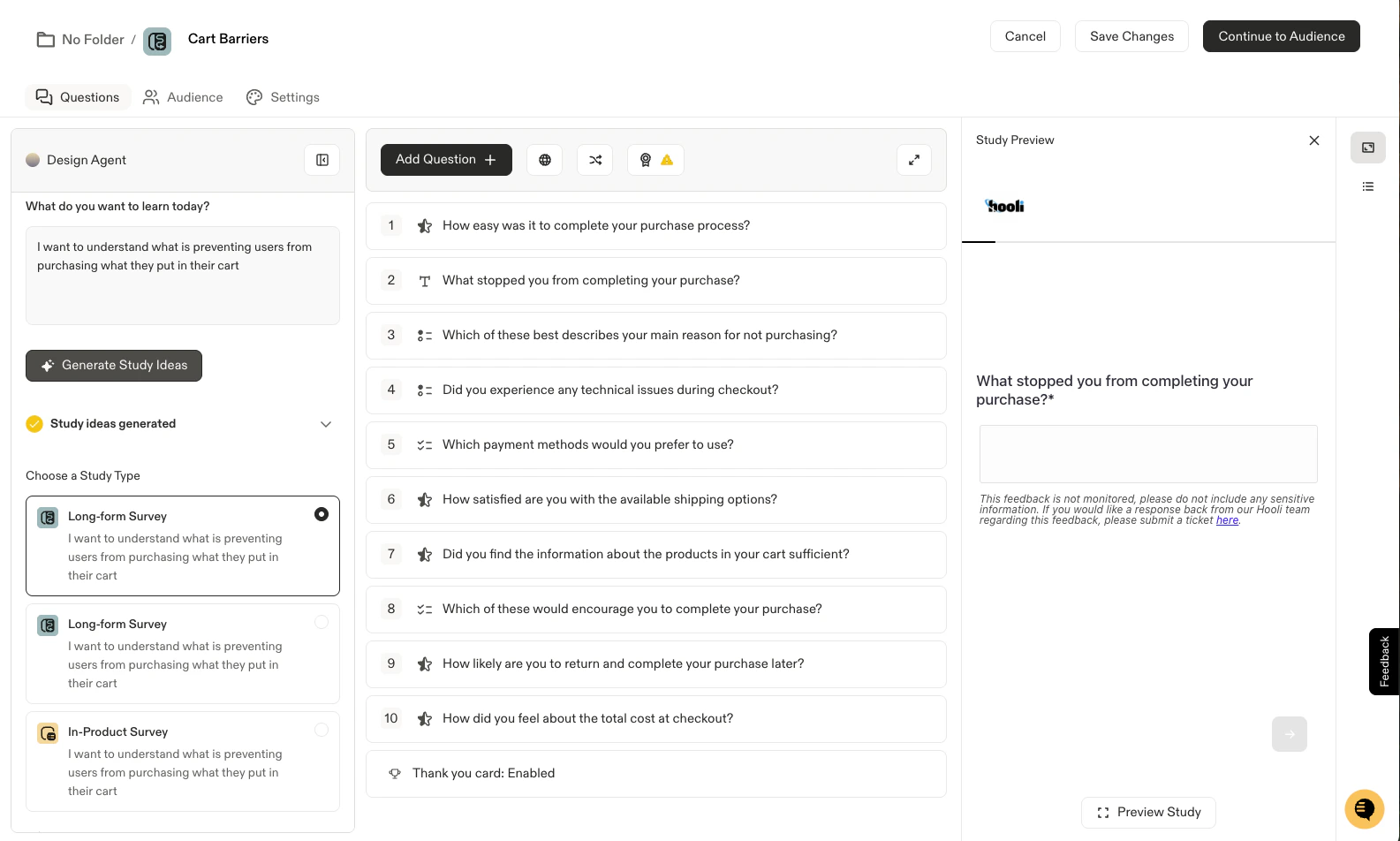
- The Design Agent will open, allowing you to input your prompt. Simply type in or copy+ paste your prompt and select Generate Study Ideas.
- Sprig’s AI will generate 3 sample studies for your review. Simply click through the examples, select your study starting point, and continue modifying the survey as needed! The survey created will be fully customizable, just like if you used a template or started from scratch.
Prompts are limited to 5000 characters at this time.