How to Enable
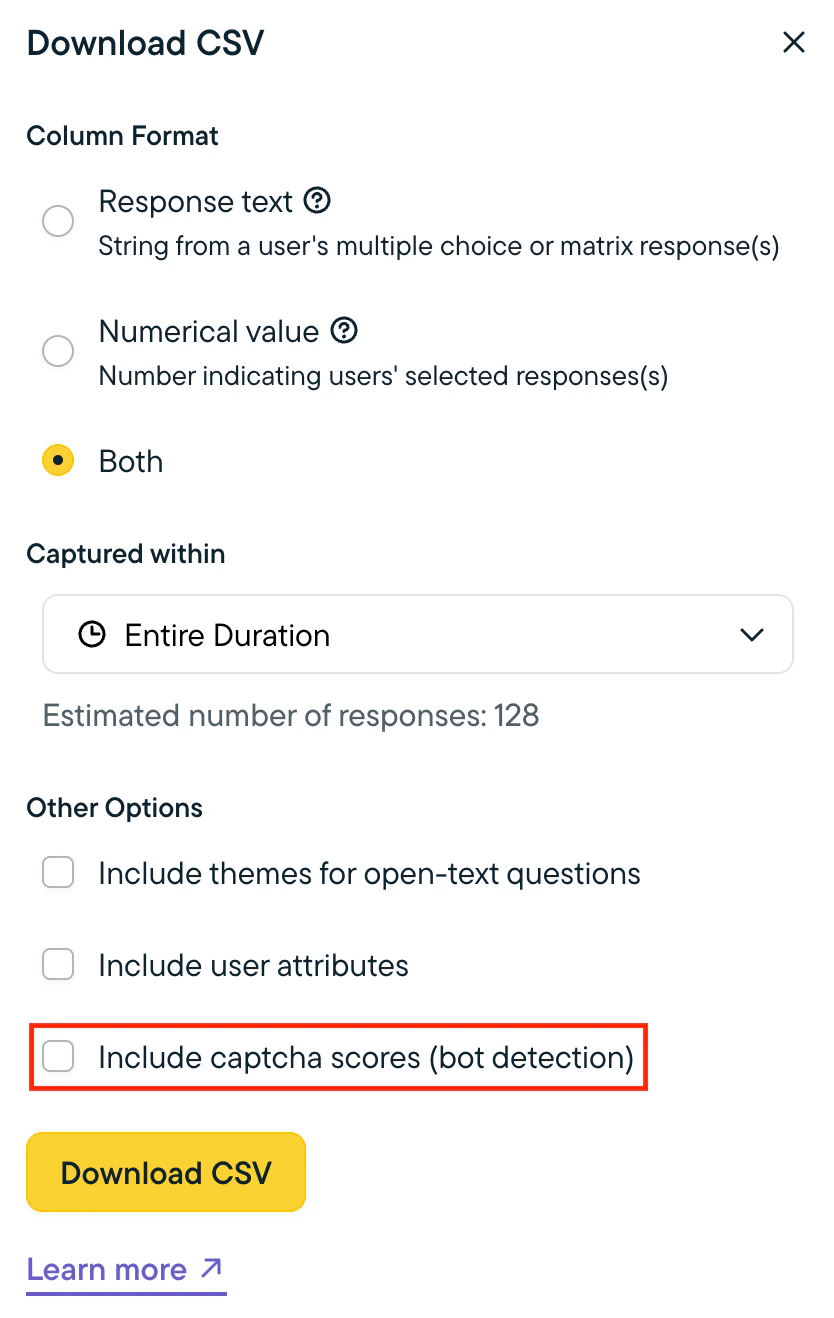
Bot Detection is off by default. To enable it:- Go to Settings > Team > Bot Detection.
- Click the toggle to enable Bot Detection.
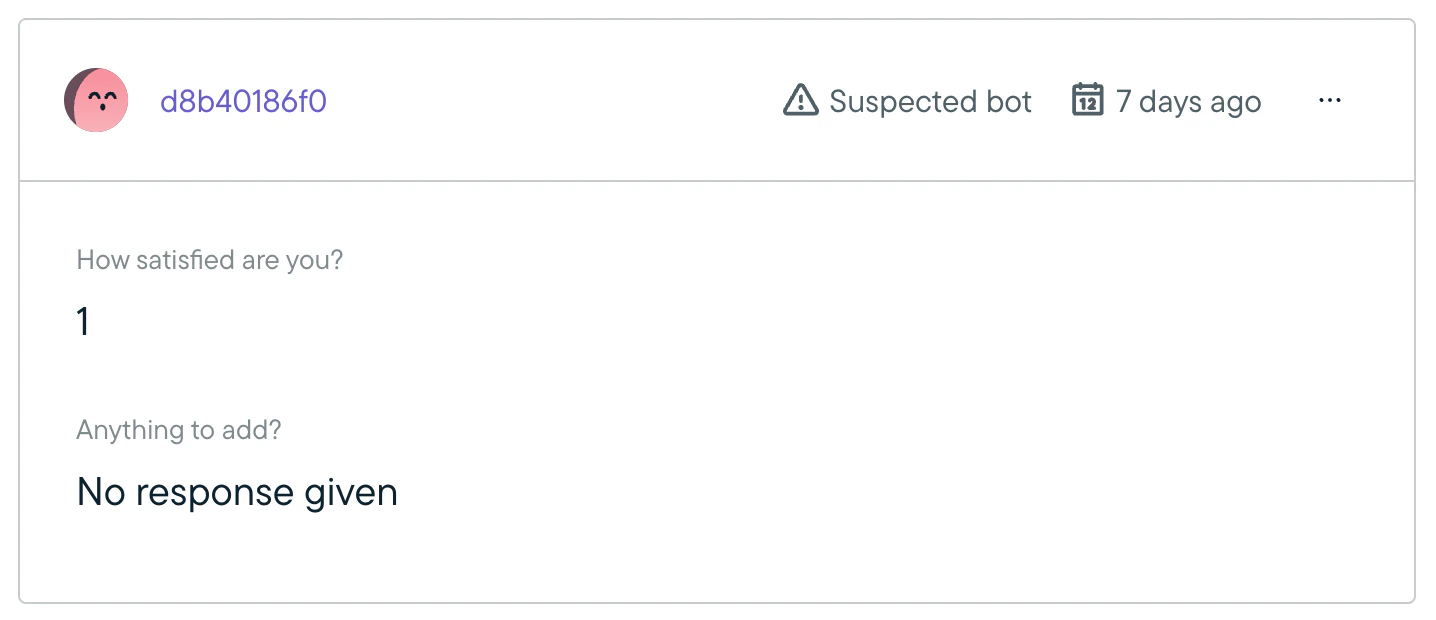
Filtering Suspected Bot Responses
When Bot Detection is enabled, there will be a new toggle on the Summary and Responses tabs of a survey that allows you to exclude suspected bot responses from the results displayed.