
Manually Adding a Team Member
To manually add a team member to Sprig:
- Click Settings > Team, then click + Add Member.
- In the modal that opens, enter the team member's name, email address, and the role you want them to have. Click Save.
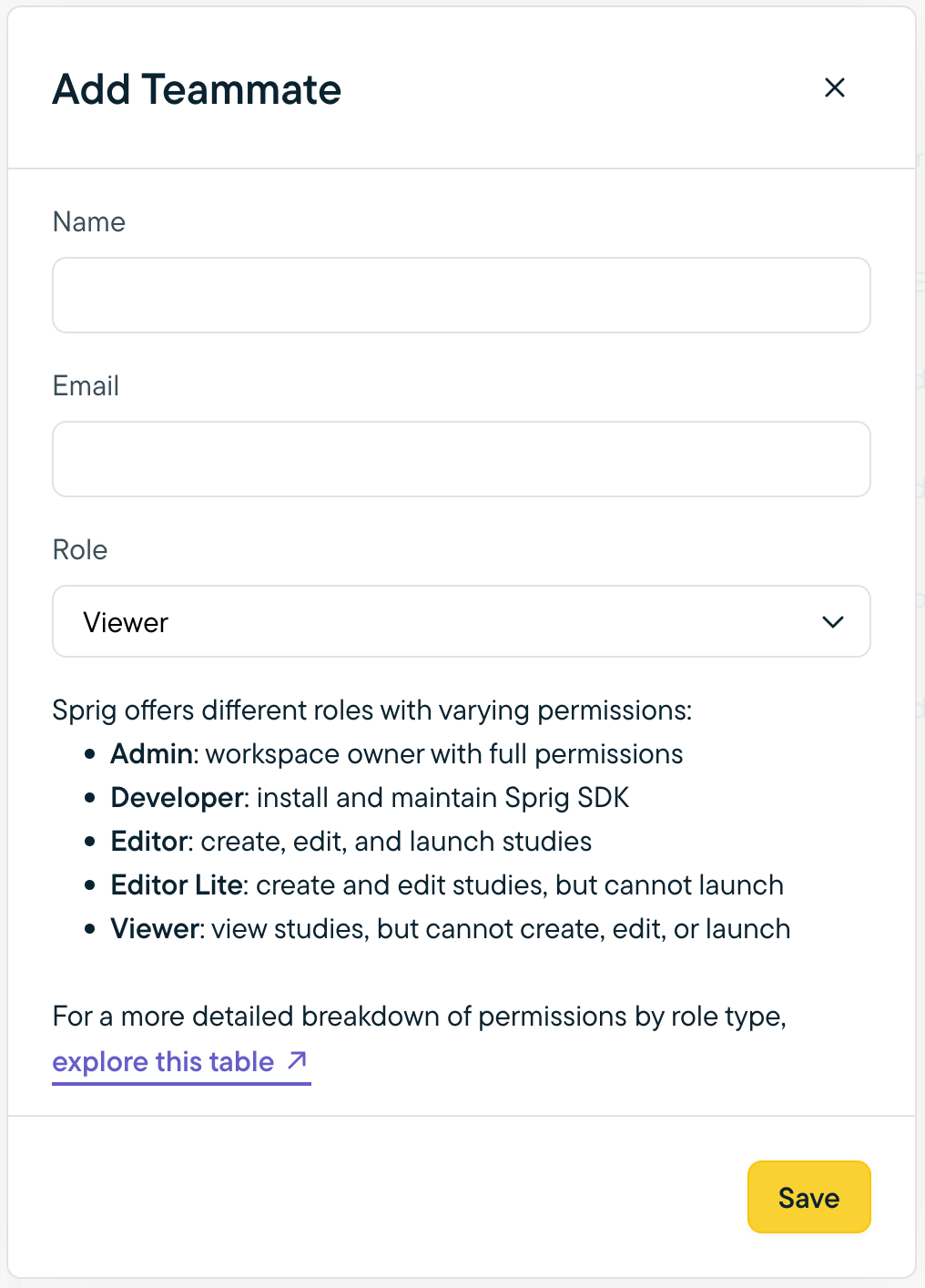
Note: Users with the Admin role can add team members at any role level. Users with other roles can add team members at their role level or below.
The new member will receive a verification email from Sprig. In the verification email, they should click Activate your account to be redirected to Sprig, where they will set a password for their account.
If they do not receive an email, ask them to check their spam/junk folder. If they still can't locate the email, please contact [email protected].
Updated 7 days ago