
Agent Context (Study Goal) & AI Summaries
Generate more tailored, relevant insights without data training with Agent Context.
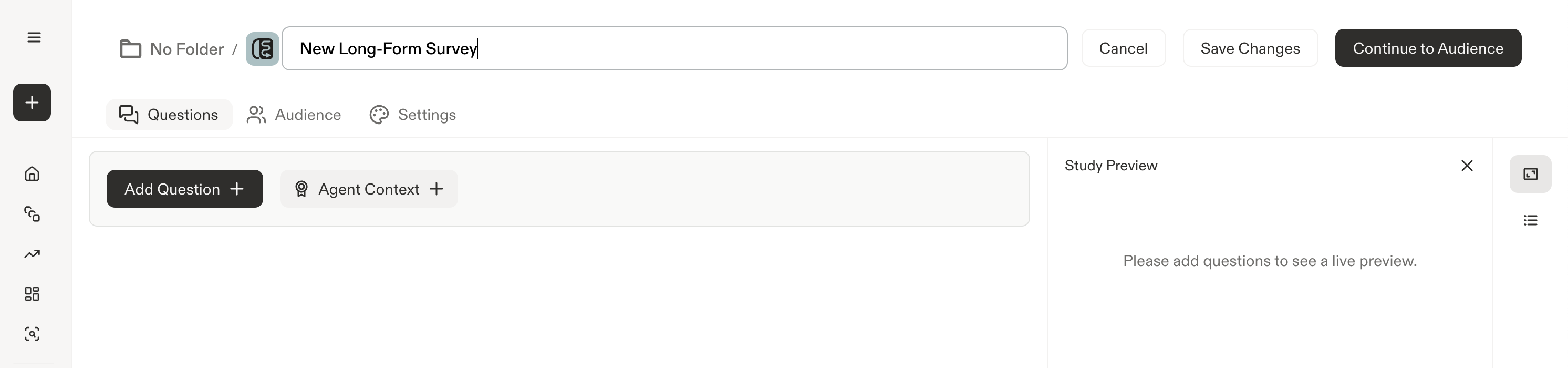
Where to find Agent Context and AI Summaries
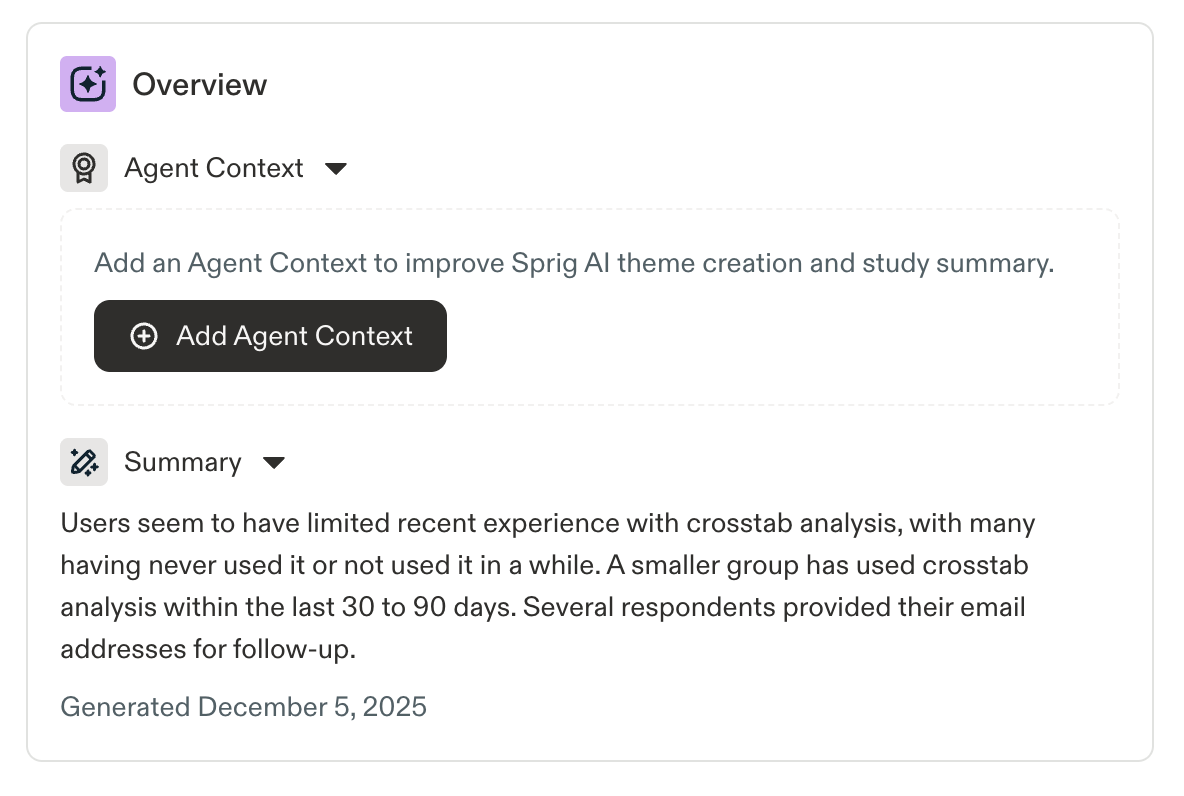
The Overview section at the top of a study contains two elements: an AI generated study summary and an area to input Agent Context.
Note: Agent Context was previously called "Study Goal."
Currently, AI Summaries and Agent Context are available on:
- In-Product Surveys, Long-Form Surveys, Feedback, and Heatmaps
Agent Context (Study Goal)
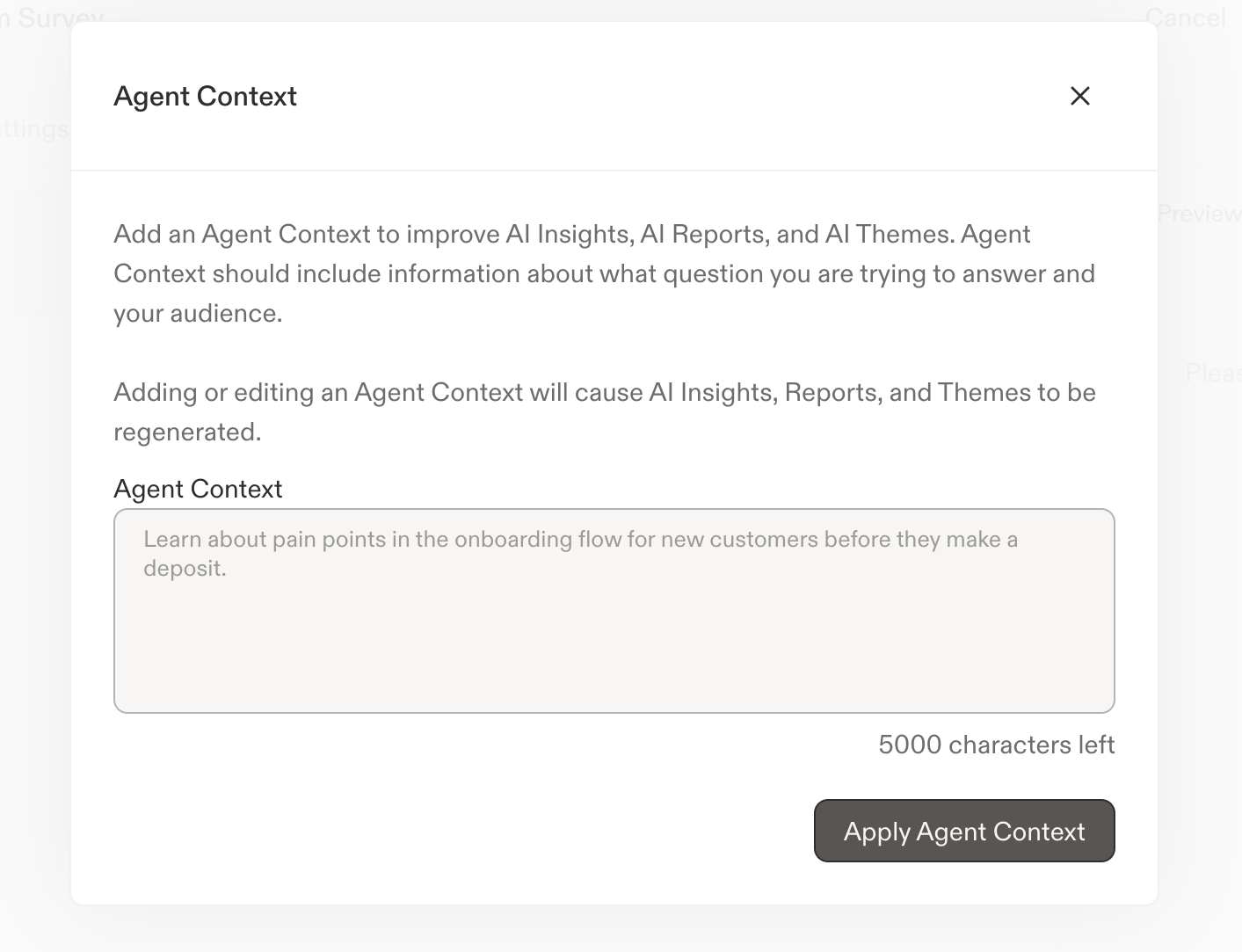
Adding an Agent Context significantly aids AI analysis by increasing priority of information that is most relevant to your current objective. Agent Context are used to inform response theme generation, response-to-theme analysis, and the summary of your study’s results.
Agent Context can be updated multiple times and can be updated across both in-progress and completed survey studies.
The Agent Context has a limit of 5000 characters.
Find the AI analysis helpful or not? Each and every thumbs up / down you click is used to improve the model!
AI Study Summary
Sprig will automatically generate study summaries:
- After a certain number of initial responses or captures
- On an ongoing, periodic basis as the study receives more responses or captures
- When Agent Context is added or updated
Sprig study summaries can be easily copy + pasted by clicking on the clipboard icon just above the generated study summary
Updated 16 days ago